You’re browsing the sample package — a real package for a demo book, shown exactly the way customers see their own.
Sample package · The Unhurried Life by Maren Kessler
📣 Social media kit
The graphics you approved, exported at each platform's native size — no cropping, no letterboxing. Every image is shown below with a download link and exactly where to post it.
Scroll to the bottom for your captions file: pre-written post text (including a TikTok script) you can pair with these images.
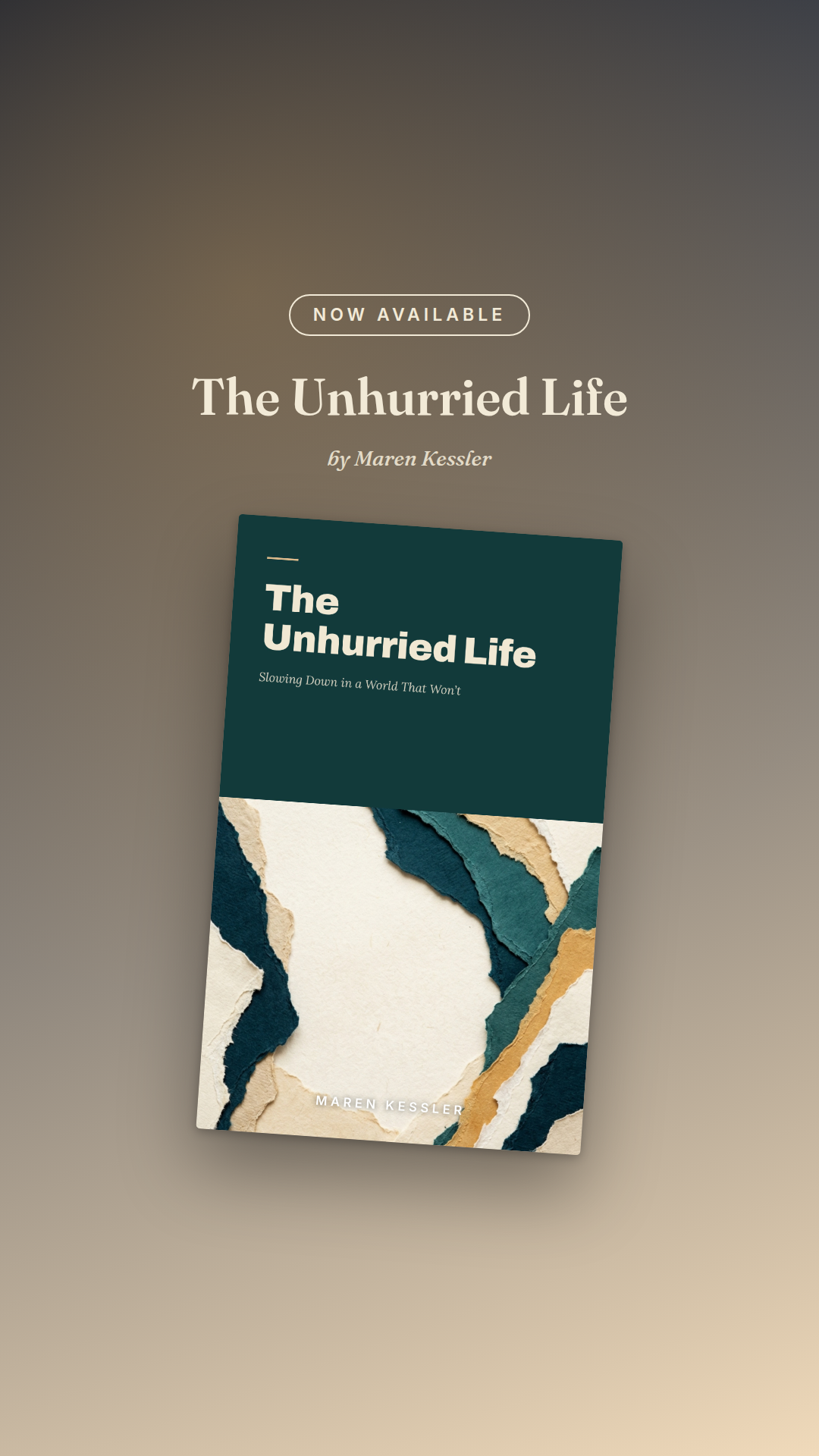
TikTok / Stories
1080 × 1920 (9:16 vertical)Where to post it: TikTok photo posts, Instagram Stories & Reels covers, Facebook Stories, YouTube Shorts thumbnails.
Caption tip: Keep on-screen text minimal — put the hook in the caption. The TikTok script in your captions file pairs with these.
Instagram feed
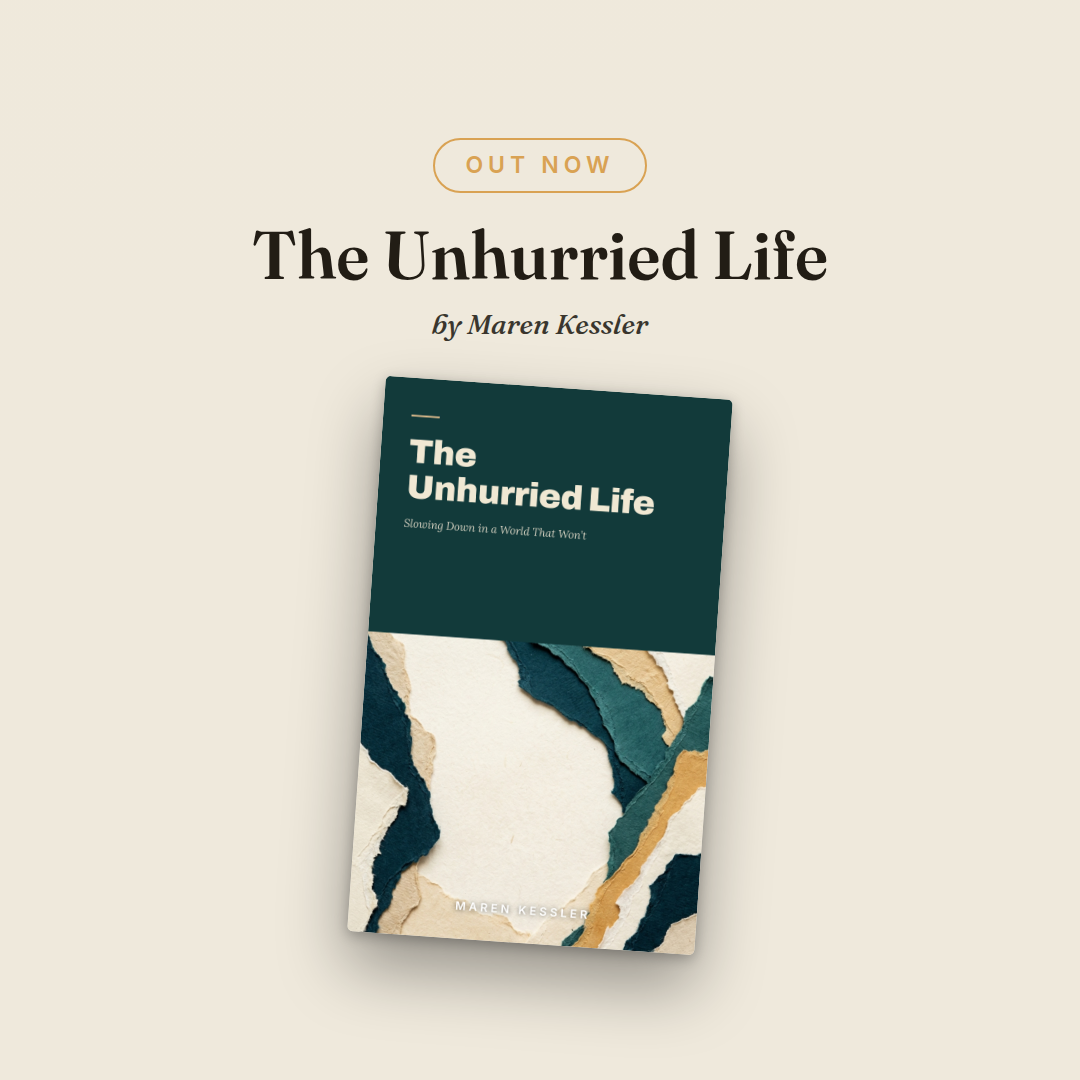
1080 × 1080 (square)Where to post it: Instagram feed posts and carousels; also fits Facebook feed posts.
Caption tip: Lead the caption with one line about the book, then the announcement. Add 3–5 genre hashtags (#bookstagram plus your genre).
Facebook link card
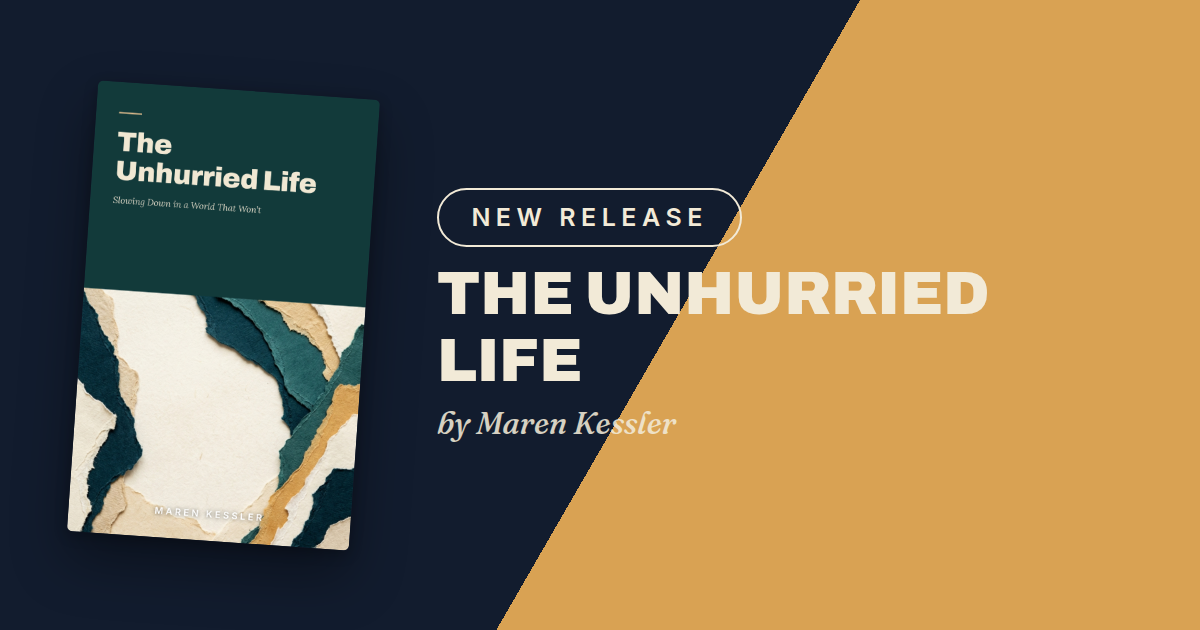
1200 × 630 (landscape)Where to post it: Facebook posts, link previews, event banners — and it's the right size for your website's link-share (Open Graph) image.
Caption tip: On Facebook, a personal "I wrote a book" story dramatically outperforms a plain announcement. Tell the journey, then link.
Launch captions & TikTok script
Ready-to-post text for each platform. Copy, tweak to your voice, pair with the graphics above.
Loading preview…
Good to know
- Post the announcement 1–2 days before your Amazon page goes live, then again on launch day with the link.
- Don't post everything at once — one platform per day keeps your launch visible all week.
Your book gets this exact guided package.
Every order includes pages like this one — every file explained, every step laid out, nothing to figure out alone.
Start your book →